
Grep for literally anyone, Magic Extractor
Role
ProductTimeline
October 2025Team
Solo ExplorationSoftware
Figma, Warp, JitterOverview
One prompt for your entire digital existence
Magic Extractor is a macOS concept that turns everything you've ever done on a computer into a single searchable surface. You write a prompt, set a few criteria, and it scrapes across your internal files and hundreds of external sources, Gmail, Drive, Linear, Slack, to extract exactly what you're looking for. Not a list of links to dig through, but the specific documents, emails, and passages that answer the question.
I designed Magic Extractor end-to-end as an independent project, concept, product design, visual system, and motion — and launched it as a five-part product expo. This case study covers the full arc: framing the retrieval problem, defining the extraction model that answers it, building the architecture and visual language around it, and packaging the concept as a launch that pulled 1,200+ views on its opening post.
The Problem
You don't have a storage problem, you have a retrieval problem
Everything you're looking for already exists somewhere. The problem is remembering where. Was that number in an email, a PDF in Drive, a Slack DM, or a Linear ticket? A thirty-second question turns into ten minutes across four apps, each with its own search box that only sees its own island of data. The tools meant to solve this don't. Spotlight indexes your machine but stops at the browser. Every cloud app searches only itself. Nothing treats your files, your mail, and your SaaS tools as one body of information, which is exactly where most of what you actually need now lives. These became the three principles the rest of the design answered to: search everywhere, prove every match, and let intent persist.
Where I landed
A semantic extraction model
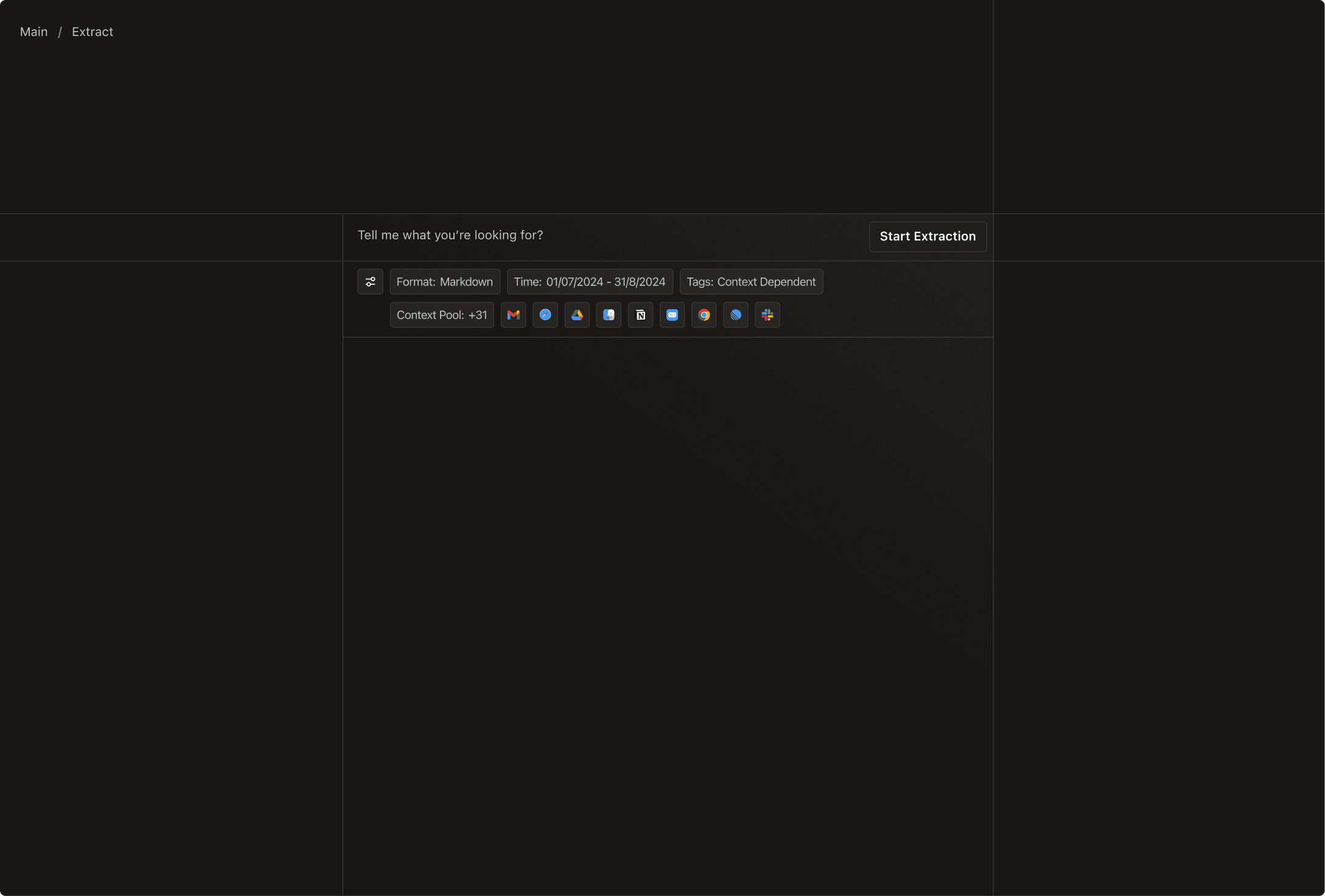
The core interaction had to serve two people at once: someone who wants to type a sentence, and someone who wants exact control. I resolved that tension with a prompt-plus-criteria model. A natural-language prompt. Every extraction starts with plain language, "Tell me what you're looking for?" So the entry cost is a sentence, not a form. Criteria chips for precision. The prompt is backed by tappable chips: Format (Markdown, code, screenshots), Time period, Tags, and the Context Pool of 30+ sources. A casual user ignores them; a power user dials in exactly what they mean. Same interface, two skill levels.
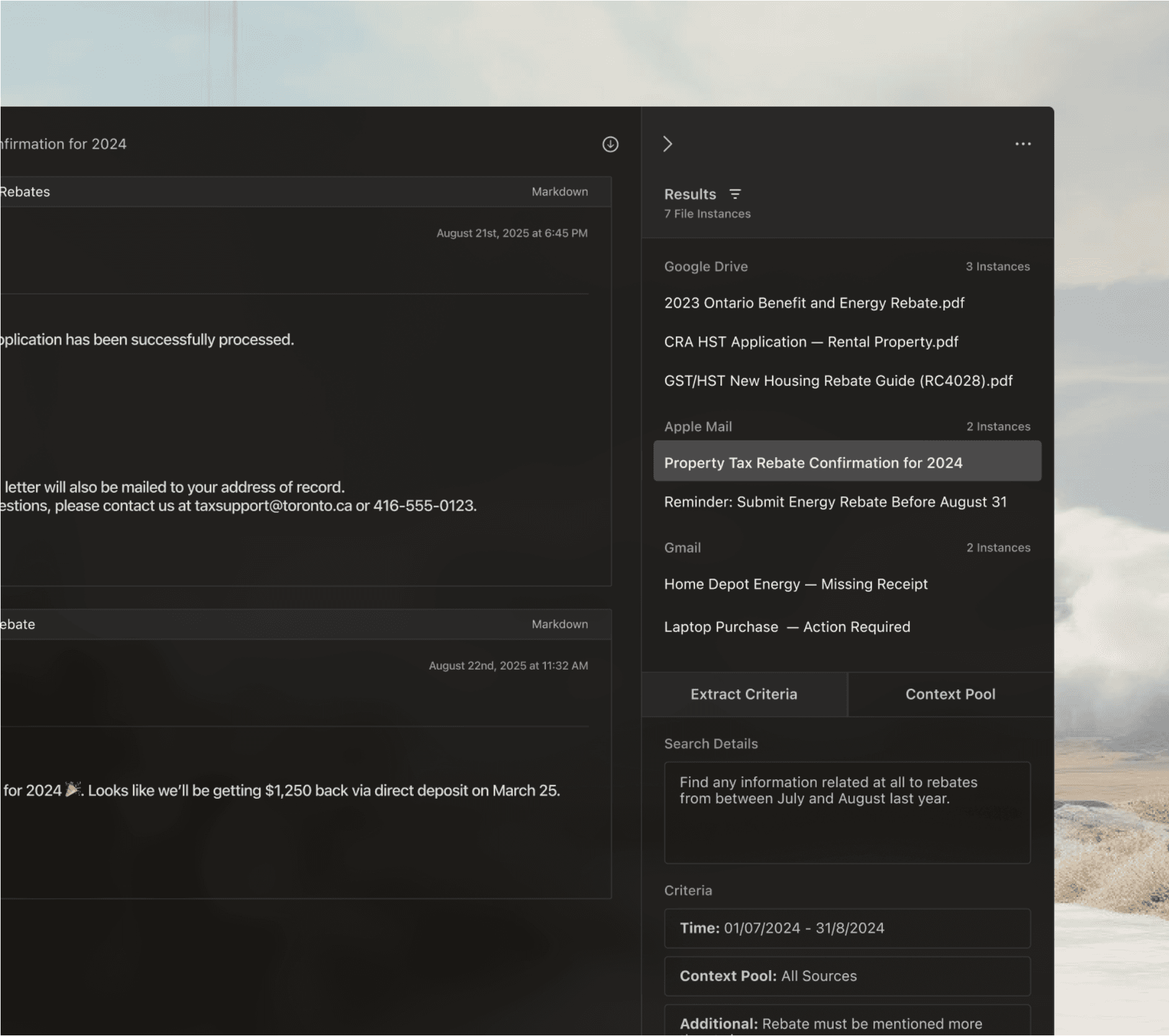
Platform-wide search ties it together. A keyboard-first command palette jumps to any past Extraction, Project, or date without leaving the keyboard (Navigate / Open / Esc). The tool that finds everything in your life can also instantly find everything inside itself.
Where I landed
The rebate extraction, end to end
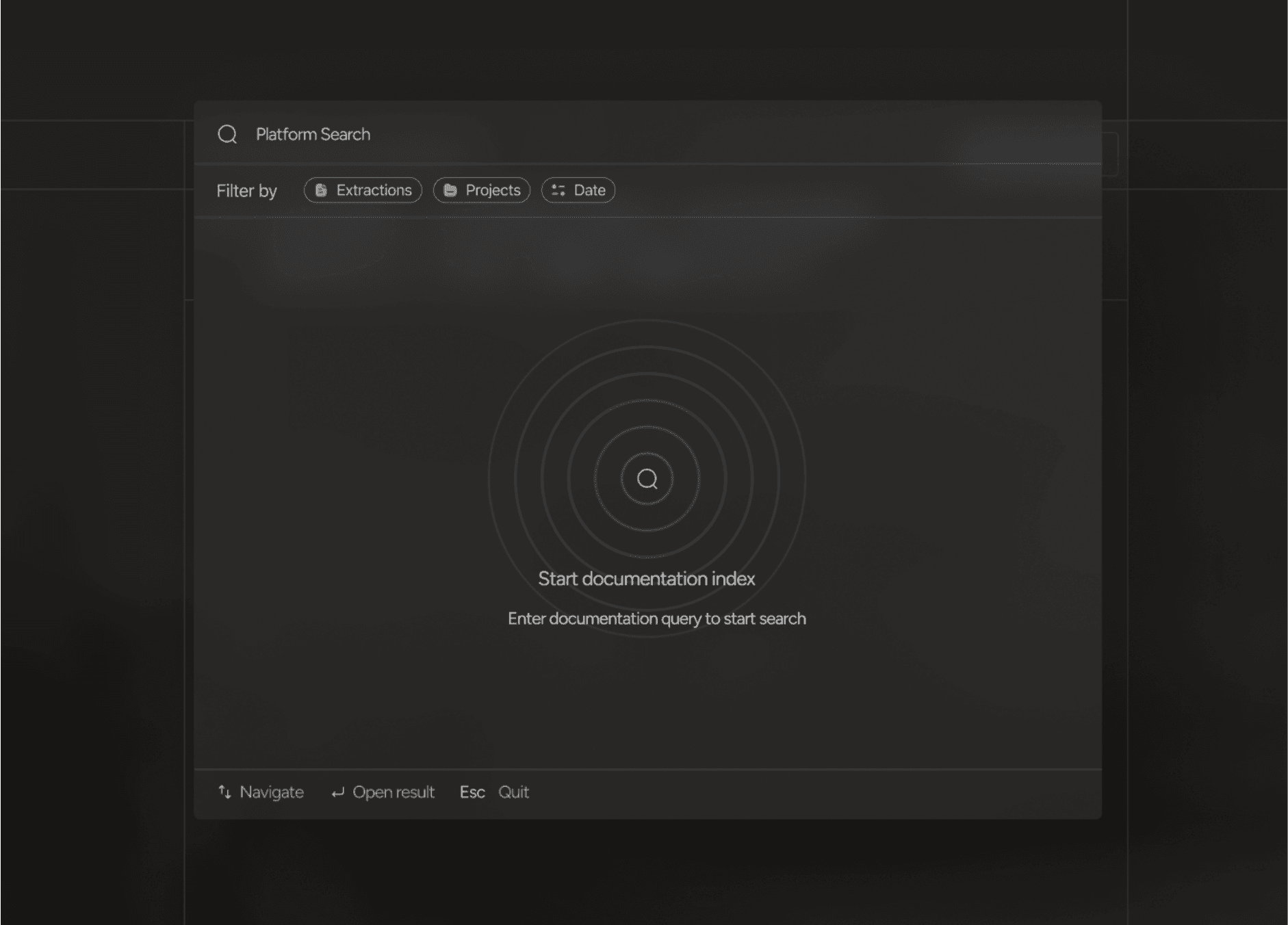
The clearest way to show the model is to watch one real run resolve. "Rebate Keyword Mentions" is a saved Extraction that starts from a semantic question, find anything related to rebates from July to August last year — and narrows it with three criteria: a time window (01/07/2024–31/08/2024), the Context Pool set to All Sources, and one rule a prompt can't phrase cleanly, "Rebate must be mentioned more than twice."
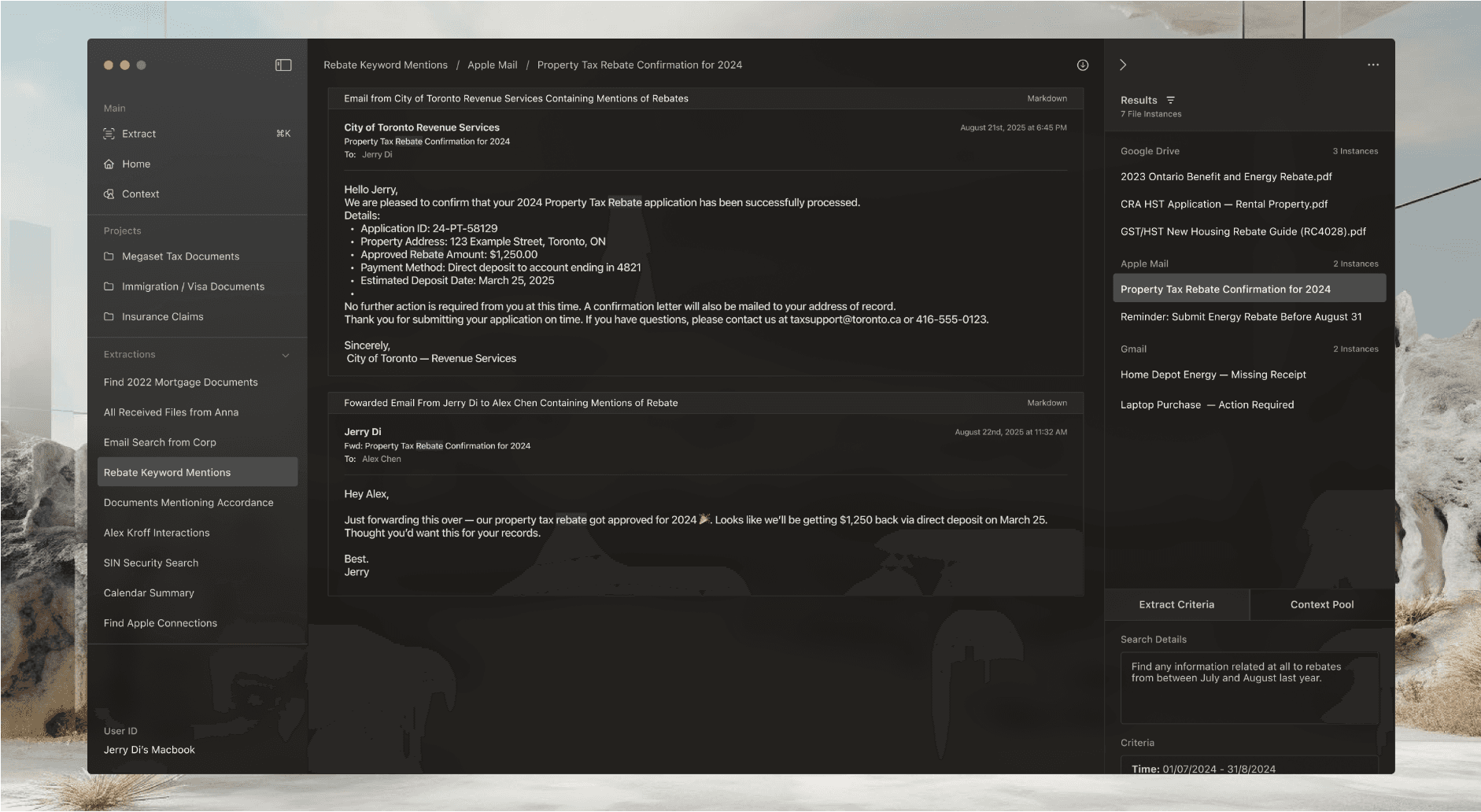
Running it returns 7 file instances, already grouped by where they live, 3 in Google Drive, 2 in Apple Mail, 2 in Gmail, so the answer arrives pre-sorted by source instead of as a flat list of links. People don't think in folders; they think in what they're trying to do. So the information architecture is organized by intent across three tiers. Extract is the one-off, ask, filter, go. Projects are persistent collections that mirror real life. Extractions are saved, re-runnable queries, so a search you'll need again becomes an object you open, not a prompt you rewrite.
The visuals
A cinematic design system
A tool that reaches into your entire digital life has to feel trustworthy and premium, not like a utility. The visual language does that work. Focused around a cinematic dark UI floats over a soft desert-and-cloud backdrop; frosted-glass panels and generous spacing keep dense, multi-source results from ever feeling heavy.
Conclusion
What I learned exploring magic extractor
Framing beats features. Choosing "extraction" over "search," answers, not links did more to shape the product than any single screen. Naming the model correctly made every downstream decision easier. An autonomous tool has to show its work. The visible Context Pool and the green match-highlight were small choices that carried the most weight: they turned a black-box scraper into something a user could actually trust. Intent is the right unit of organization. Building the IA around what people are trying to do, Projects and saved Extractions, rather than where files live is what made the concept feel like a workflow instead of a search box.